Cluster Autoscaler on AKS
Photo by Rebecca Georgia on Unsplash
Cluster Autoscaler is used to scale up or down cluster nodes according to load ( pending pods) or free nodes.
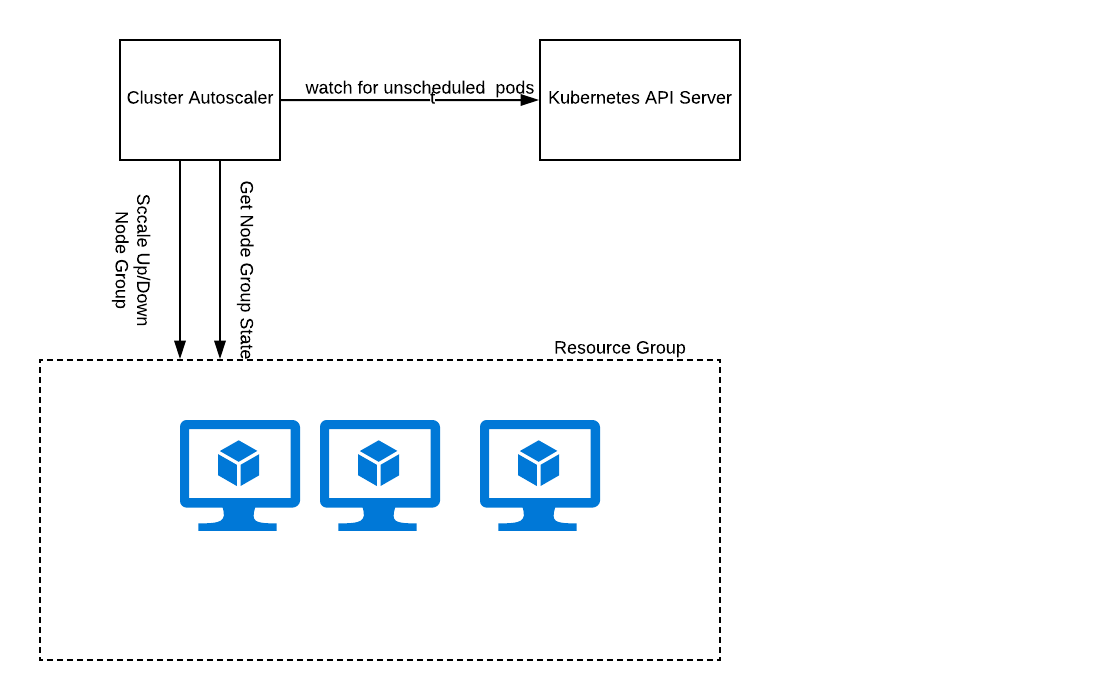
Earlier we had to manually configure Cluster Autoscaling on AKS cluster. Recently Azure AKS released this as a feature. So in this tutorial I would be explaining both the steps.
Manual:
- Generate the secret with the cluster details by running the following script:
https://gist.github.com/anoopl/d0bfb7c78a7a0027934689a7f675796d
- Run the script and copy the output to a yaml file cluster-autoscaler.yaml:
Create the secret :
kubectl apply -f cluster-autoscaler-secret.yamlUse the following yaml to create other resources for the CA:
You can test the autoscaling by running a deployment of nginx with many replicaset:
Example:
https://gist.github.com/anoopl/891965dd6c9110cdc7950f2d1529041a